
Recently I have been working on Sitecore Upgrade from 10.3 to 10.4.1 and as part of the process I installed a fresh instance of Sitecore 10.4.1 and started apply my solution changes one by one. When it can to running the serialization push command to push all my serialized content to Sitecore, I faced this issue which took me a few hours to figure out as I kept thinking its an identity server issue.
Problem
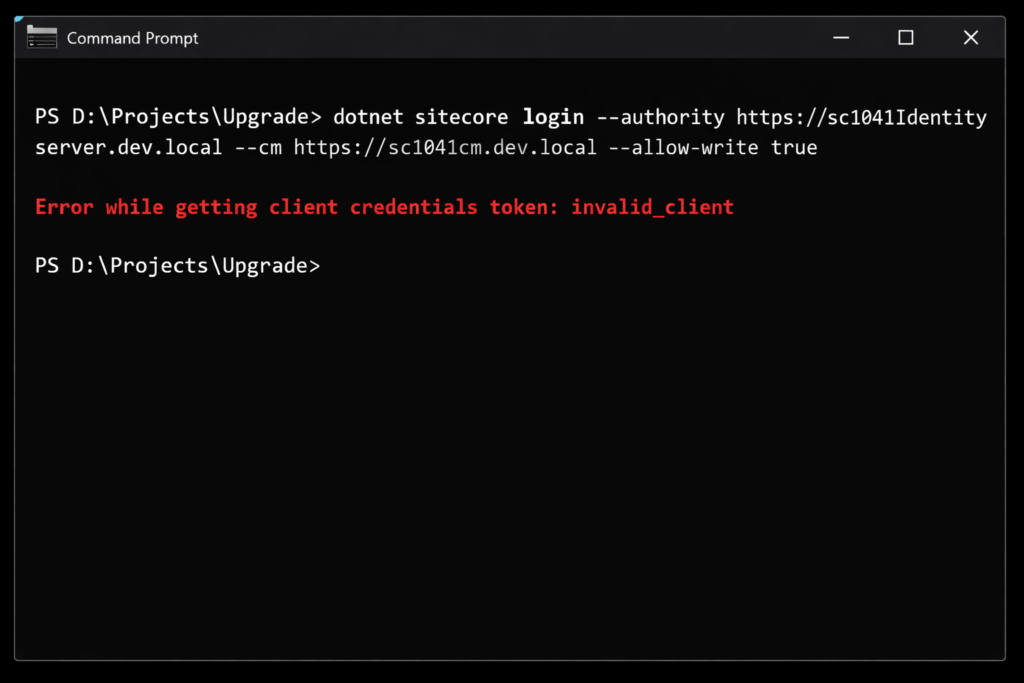
After a fresh 10.4.1 installation, trying to log in via the CLI from a solution that was previously used for 10.3.1 gave the following error
dotnet sitecore login --authority https://sc1041identityserver.dev.local --cm https://sc1041cm.dev.local --allow-write true

Error while getting client credentials token: invalid_client
Output:
Error while getting client credentials token: invalid_client
Checking the Identity Server logs, I noticed something curious:
No client with id 'SitecoreCLIServer' found
At first, this was confusing 10.4.1 ships with a fresh Identity Server configuration, so why was it expecting a client called SitecoreCLIServer?
Findings
Here’s what I realized:
- Legacy CLI Client
- In Sitecore 10.3 and earlier, the DevEx CLI sometimes used
SitecoreCLIServeras the default client for automation.
- In Sitecore 10.3 and earlier, the DevEx CLI sometimes used
- 10.4 CLI Uses
sitecore.cli- The new CLI expects the client ID
sitecore.cli.
- The new CLI expects the client ID
- Project-Level Overrides
- Even though I had a fresh install, my upgrade project folder still contained a hidden
.sitecoredirectory withsitecore.jsonoruser.json. - These files contained
"clientId": "SitecoreCLIServer", forcing the CLI to send the old client ID.
- Even though I had a fresh install, my upgrade project folder still contained a hidden
Solution
The solution was to simply delete the .sitecore folder at your project root and then run the login command again which will create the new files needed by Sitecore CLI