
If you do not have access to Sitecore Server and want to download some files or a full folder from Sitecore instance, you can use Sitecore Package designer to download them. You will need to have Sitecore Admin access to do it. Please find below steps to do it
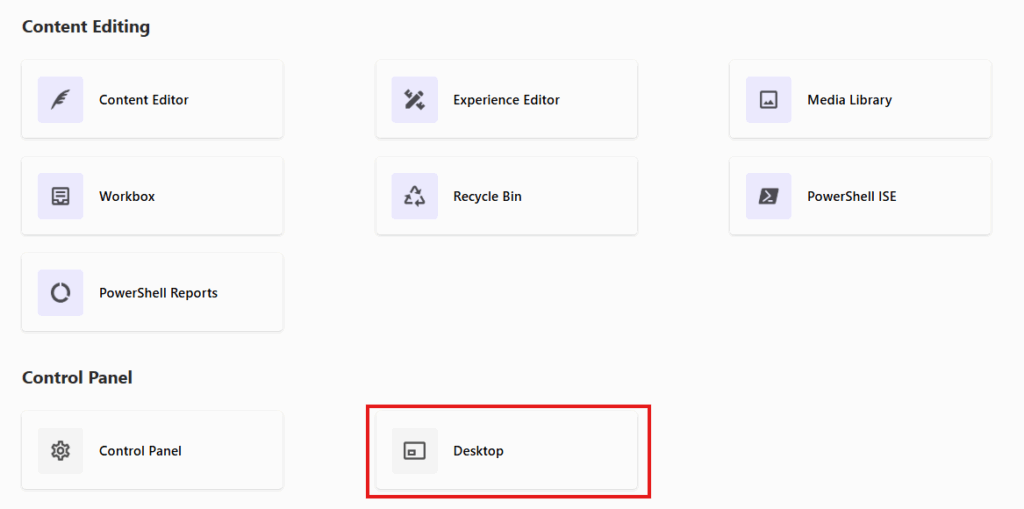
From the Sitecore Launch Pad Click Desktop
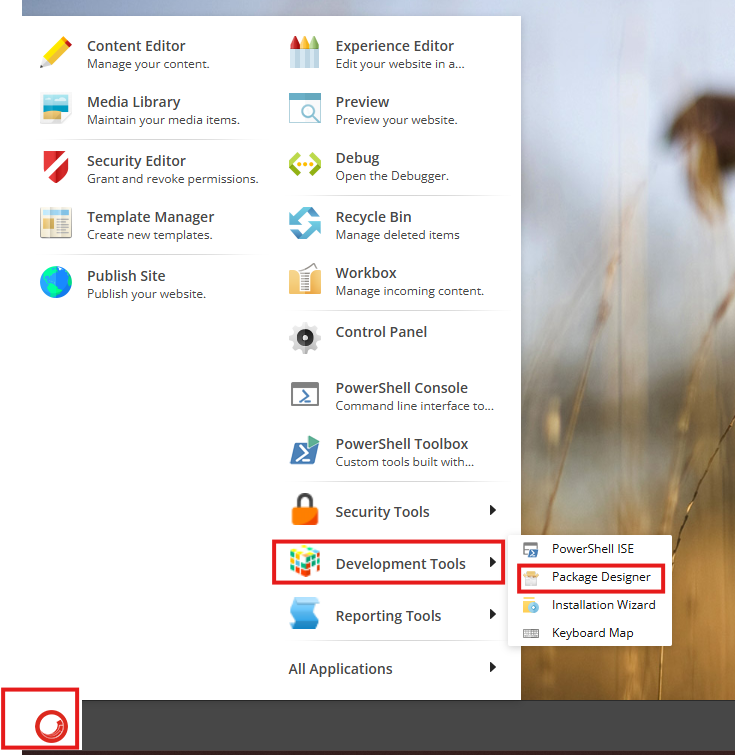
Click on start → Development tools → Package Designer
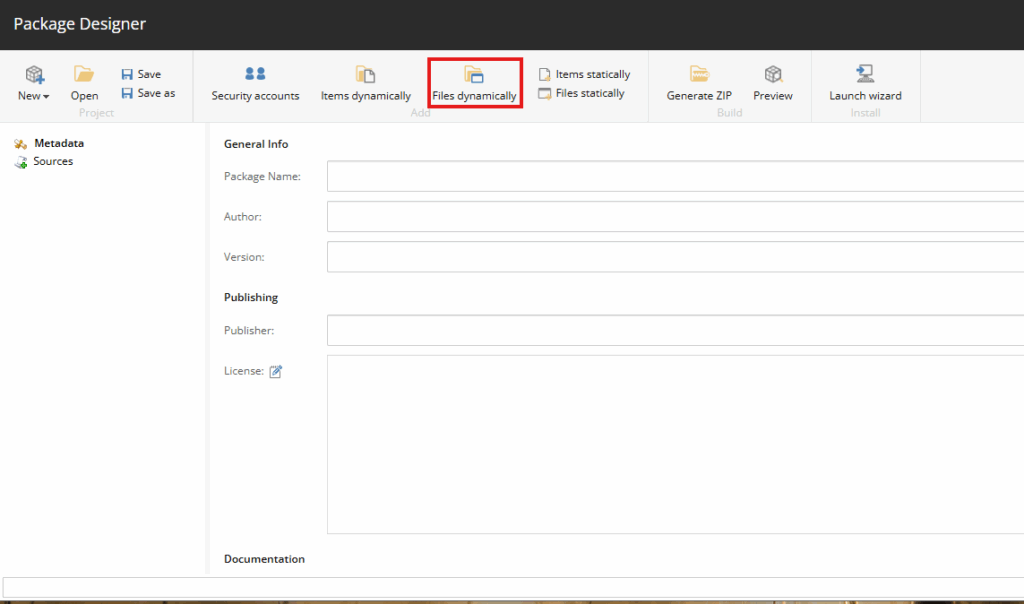
Click on Files dynamically
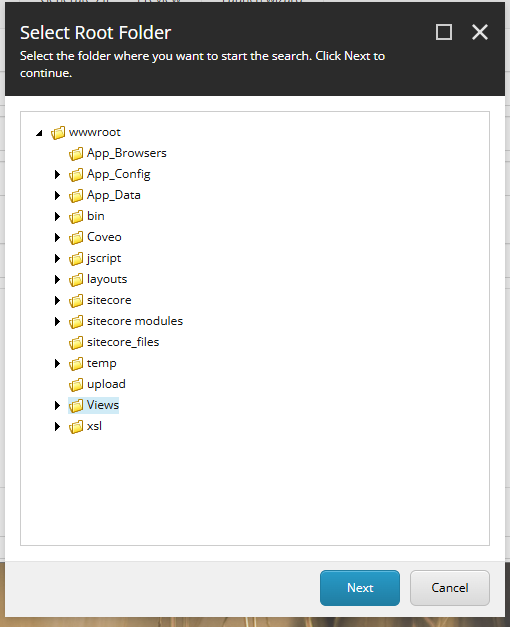
Select the folder you want to download and click Next, if you want to download files you can also do that
In the next screen you can filter the files that you want to download, if you want to download all files do not enter or change anything and simply press Next
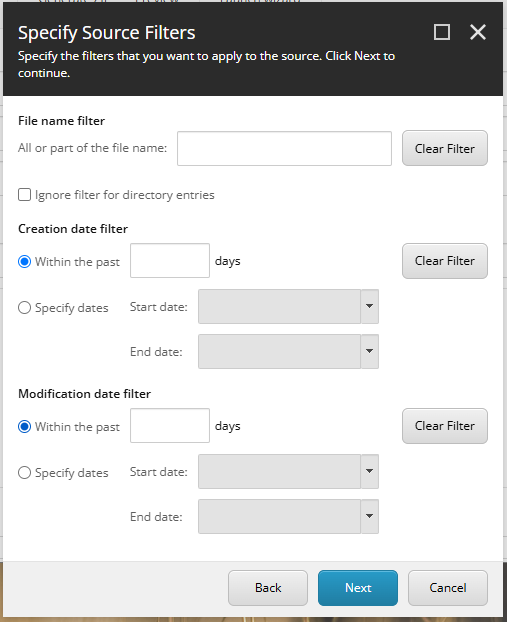
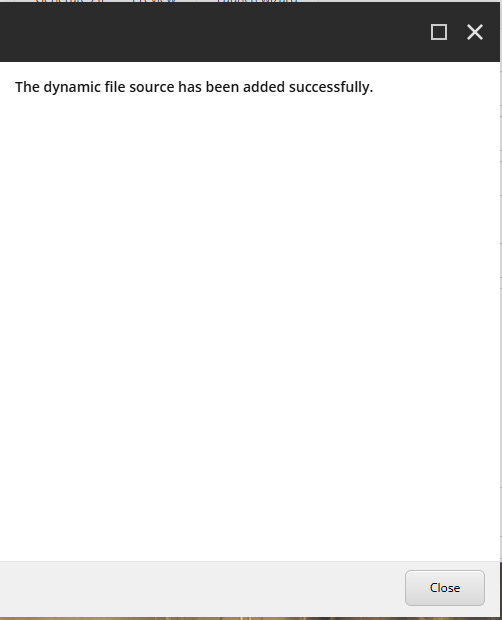
Enter the source name, which can be a friendly name to know what kind of files you are downloading and click close on the next dialog.
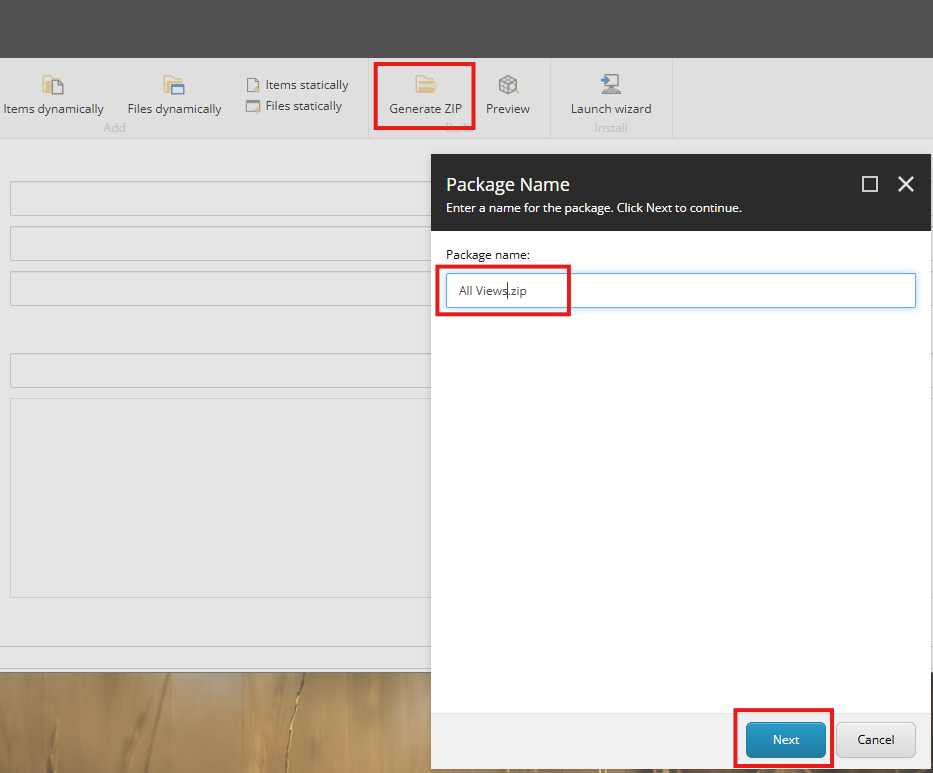
Click on Generate Zip and Click Next
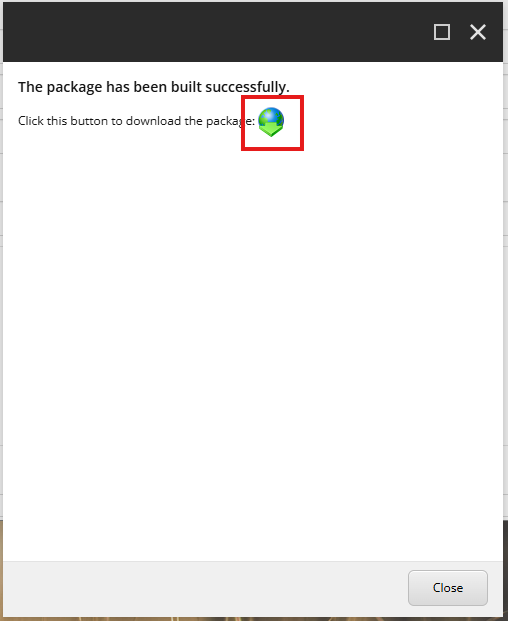
It will take a few seconds to few minutes depending on file size and finally give you an option to download the package
Once downloaded, you can extract and then open the files folder to get your files.